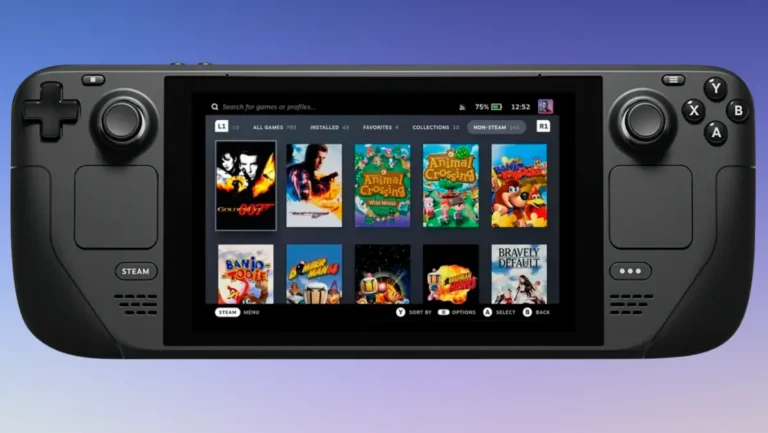

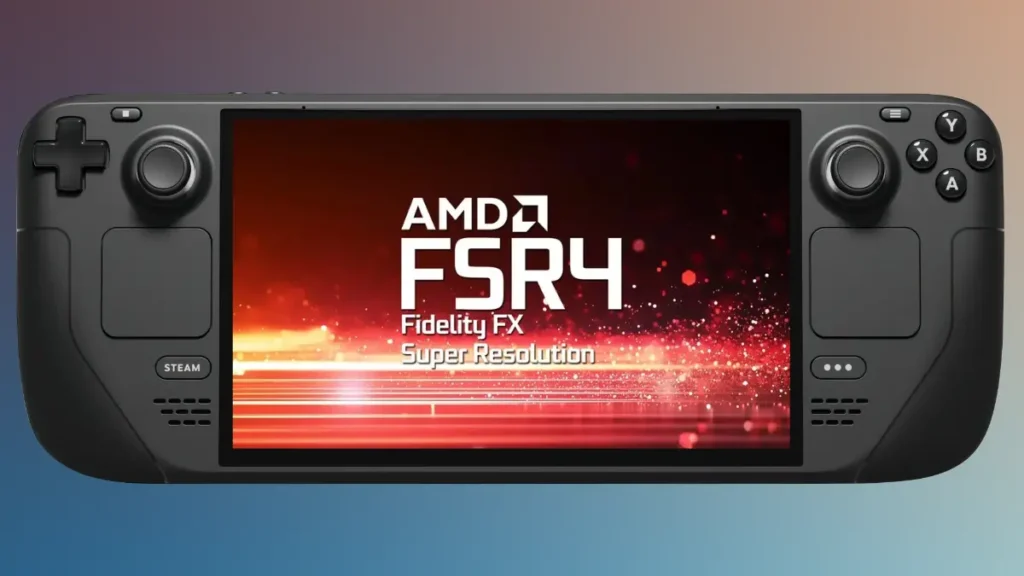
AMD’s accidental source code leak has revolutionized handheld gaming, making the impossible possible. FSR 4 Steam Deck compatibility is now a reality, delivering unprecedented visual quality improvements that were officially reserved for high-end RDNA 4 graphics cards. This breakthrough transforms Valve’s popular handheld into a more powerful gaming machine than ever before.
How FSR 4 Steam Deck Support Became Reality
Officially, FSR 4 is only supported on the RX 9000 RDNA 4 GPUs, which means that folks running perfectly capable RDNA 3 or RDNA 2 cards can’t take advantage of the image upscaler. This restriction also includes handheld consoles like the Steam Deck and the Asus ROG Ally, both running Ryzen APUs with RDNA 2 and RDNA 3 iGPUs respectively.
However, everything changed when AMD accidentally released the entire source code for FSR 4 on GitHub in August 2025. The leaked files contained crucial INT8 model components that revealed compatibility with older hardware, including the Steam Deck’s RDNA 2 architecture. Unlike the official FP8 version designed for RDNA 4, these INT8 files can run on the less powerful AI cores found in previous-generation GPUs.
Reddit user AthleteDependent926 became the hero of the handheld gaming community by compiling these leaked files into a usable DLL that users can simply drop into games with FSR 3 support. Consequently, this unofficial workaround opened the door for FSR 4 Steam Deck implementation across a wide range of supported titles.

Performance Analysis: Massive Visual Gains with Trade-offs
The image quality improvement enabled by FSR 4 on Steam Deck is nothing short of massive. Users report substantially superior visual fidelity compared to FSR 3.1, with dramatically improved hair rendering, distant detail resolution, and reduced flickering in demanding games like Cyberpunk 2077 and Marvel’s Spider-Man.
However, the Steam Deck’s custom AMD APU features an RDNA 2 iGPU. FSR 4 puts additional burden on the already modest integrated graphics. The performance impact is noticeable – users typically experience a 6-7 FPS reduction compared to FSR 3.1. Frame processing time increases from 0.4ms to approximately 1.2ms.
Despite the performance hit, the visual quality improvements often justify the trade-off. The INT8 version delivers image quality that surpasses not only FSR 3.1 but also competes favorably with Intel’s XeSS upscaling technology. For Steam Deck users willing to sacrifice some frame rate for significantly better visuals, FSR 4 represents a game-changing upgrade.
| Game Title | Steam Deck Settings | FSR 3 Performance | FSR 4 Performance |
|---|---|---|---|
| Cyberpunk 2077 | Steam Deck preset Optimized settings |
30-40 FPS Stable, spikes to mid-40s |
Around 30 FPS Occasional drops, better visuals |
| Spider-Man Remastered | Ultra Performance mode Steam Deck optimized |
90 FPS FSR 3 Ultra Performance |
70 FPS 22% reduction, clearer visuals |
| Hogwarts Legacy | Ultra Performance mode Optimized for Steam Deck |
25 FPS FSR 3 Ultra Performance |
24 FPS 4% reduction, significantly better visuals |
| Source: Performance data verified from Steam Deck HQ testing. FSR 4 consistently delivers superior image quality with reduced shimmering and better detail rendering, but requires 15-30% more processing power than FSR 3. | |||
Installing FSR 4 on Steam Deck: Complete Implementation Guide
Implementing FSR 4 Steam Deck support is surprisingly straightforward, requiring only a few minutes and basic file management skills. The process involves downloading the required FSR 4 INT8 DLL files and replacing existing game files in supported titles.
First, obtain the compiled FSR 4 DLL from community sources, ensuring you download the INT8 version specifically designed for older hardware compatibility. Next, use the OptiScaler tool, which enables FSR 4 replacement in games that originally support FSR 3.1 or other upscaling technologies.
The installation process varies slightly between games. Generally, it involves navigating to the game’s installation directory and replacing the existing upscaler DLL files with FSR 4 versions. Overall, from downloading files to integrating within supported games like Cyberpunk 2077, the entire process takes just a few minutes. Importantly, the process requires no advanced technical knowledge.
Currently, this implementation works primarily with DirectX 12 titles that have integrated signed FSR 3.1 DLL files according to AMD’s developer guidelines. Unfortunately, the solution is limited to single-player games, as multiplayer titles often have anti-cheat systems that prevent DLL modifications.
Steam Deck vs Other Handheld Gaming Devices
While FSR 4 Steam Deck performance shows impressive visual improvements despite hardware limitations, it’s interesting to compare how this technology might perform on more powerful handheld consoles. The Asus ROG Ally, powered by RDNA 3 architecture, theoretically offers better AI processing capabilities than the Steam Deck’s RDNA 2 chip.
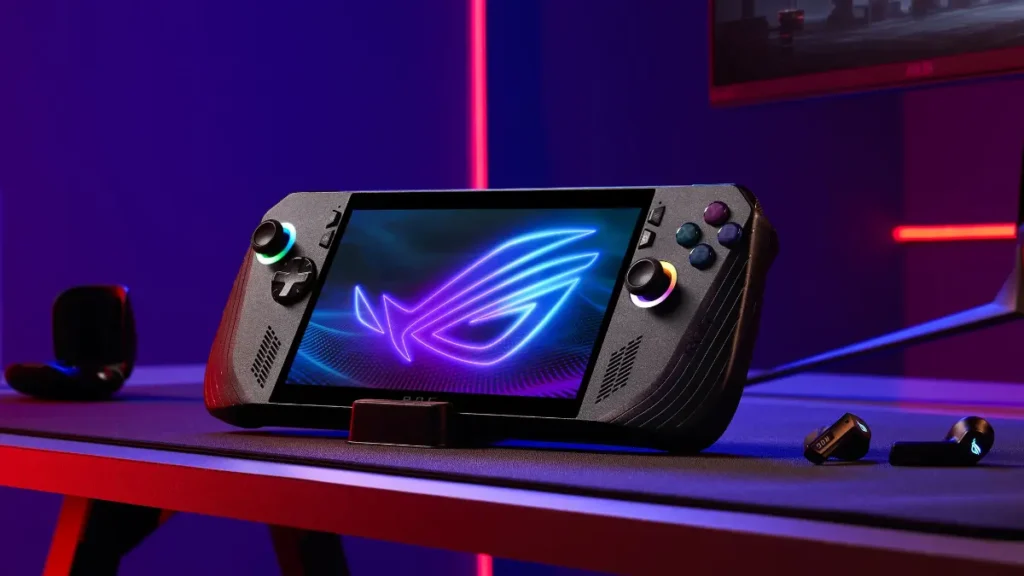
The Lenovo Legion Go S and other modern handhelds featuring newer Ryzen Z2 processors could potentially deliver better FSR 4 performance while maintaining higher frame rates. However, the Steam Deck’s widespread adoption and active modding community make it the primary testing ground for unofficial FSR 4 implementation.
Future handheld devices will likely feature official FSR 4 support, but current Steam Deck users don’t need to wait. This unofficial workaround provides immediate access to next-generation upscaling technology on existing hardware.
The Future of FSR 4 Steam Deck Gaming
This breakthrough demonstrates the beauty of PC gaming – gamers always find a way to push hardware beyond official limitations. Community developers continue working on performance optimizations that could reduce the current frame rate penalty while maintaining visual quality improvements.
AMD is reportedly still working on adding official FSR 4 support to RDNA 3 graphics cards. This could eventually lead to better optimization for Steam Deck and similar handheld devices. The company’s accidental source code release has essentially forced their hand. This proves that FSR 4 compatibility extends far beyond RDNA 4 hardware.
For Steam Deck owners seeking the ultimate visual experience, FSR 4 represents an unprecedented upgrade path. This transforms their handheld into a more capable gaming machine. While performance trade-offs exist, the dramatic image quality improvements make this implementation a compelling option. Therefore, this suits visual enthusiasts willing to sacrifice some frame rate for substantially better graphics.
FSR 4 represents just one way to enhance your Steam Deck experience. For more advanced modifications, explore our detailed breakdown of Steam Deck emulation solutions to transform your handheld into the ultimate retro gaming machine.

Unlock the full potential.
ModSmith covers everything from emulation to firmware tweaks. His guides demystify EmuDeck setups, custom firmware, homebrew, and console optimization. If it can be modded, patched, or customized, he’s already done it.